JoinFS: Cross-Sim Multiplayer & Shared Cockpit for Flight Simulation
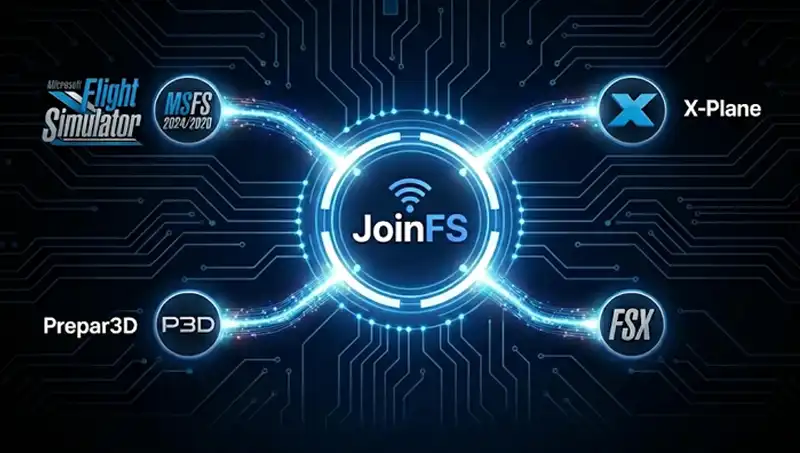
JoinFS is a multiplayer networking client that helps flight sim pilots fly together in the same session—even when they use different simulators. If you’re looking for cross-sim multiplayer, formation flying, or a shared cockpit experience, JoinFS connects your group with a lightweight, pilot-focused approach.
Instead of relying on a mandatory central “mega server”, JoinFS uses efficient peer-to-peer sessions and a decentralized Hub network where you can discover public sessions, communities, and events—or keep things private when flying with friends. The result is quick setup, dependable connections, and stable positioning designed for close formation flying.
Supported simulators
Microsoft Flight Simulator 2024, Microsoft Flight Simulator 2020, Prepar3D, X-Plane, FSX: Steam Edition, and FSX (Windows downloads).
Key features for groups, events, and virtual airlines
- Cross-sim multiplayer: meet in one shared session across supported sims
- Shared cockpit: multi-role crew flying with passenger capability
- Formation flying: responsive aircraft movement built for close proximity
- Hub discovery: find public sessions and communities through Hubs
- Recorder & playback: record aircraft traffic and replay it for training or events
Whether you’re organizing a community fly-in, a virtual airline group flight, or a flight training session, JoinFS helps everyone stay connected and visible—so you can focus on flying, not troubleshooting.
Ready to get started? Visit the Download JoinFS page to choose your simulator version, or check the Support & FAQ for setup tips (ports, firewall, and troubleshooting).